
Hero

The fastest way to
report design bugs.

Auto-capture screenshots, compare live UI
to Figma, and share clear fixes, all in one click!

Get started free!
DesignQA - The fastest way to report design bugs | Product Hunt
How it works background

One click to clear fixes

How it works

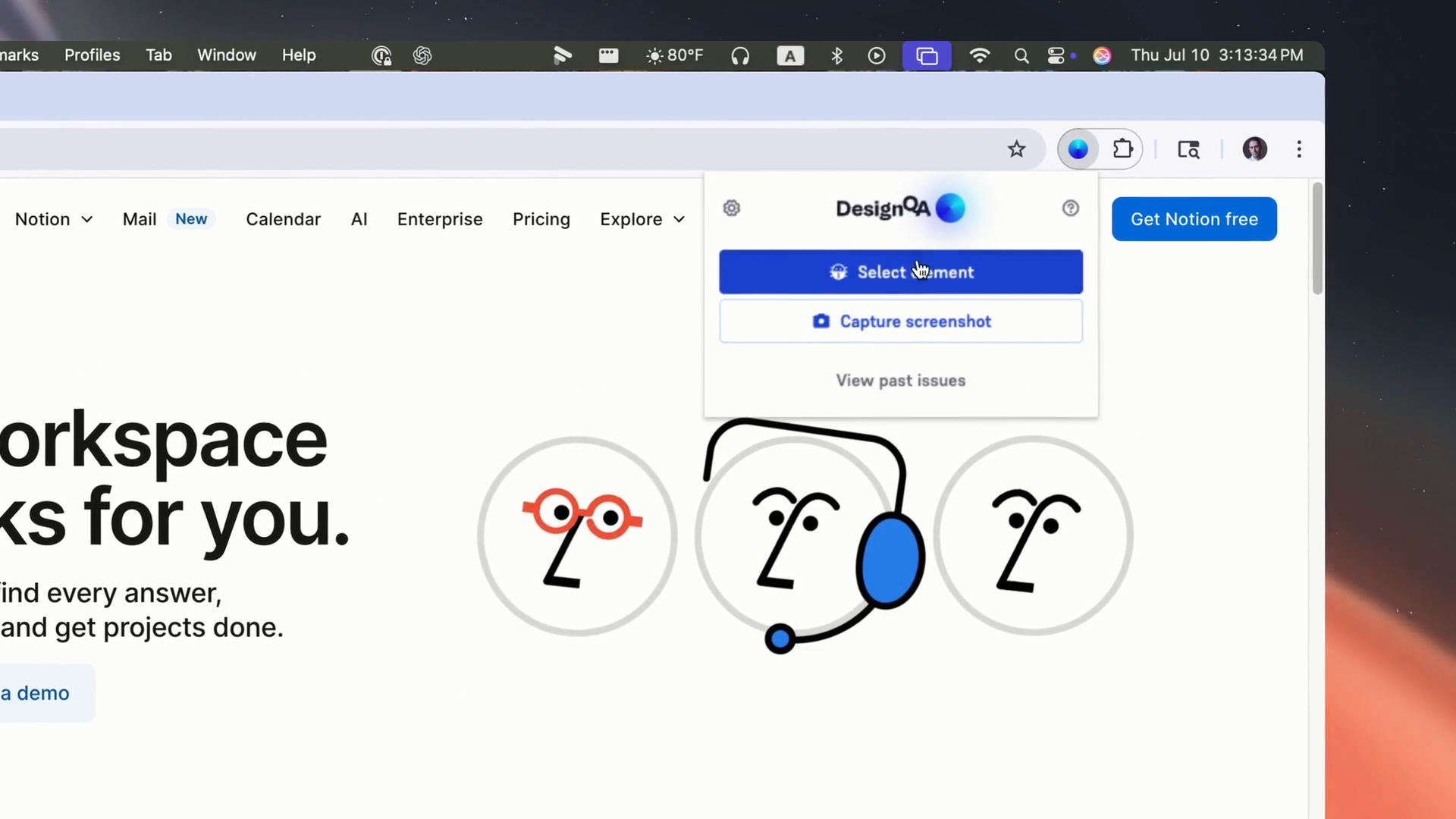
1: Pick any element

Select anything on your page, a button, nav bar, or section.

2: DesignQA does the rest

We auto-screenshot, log everything, and let you attach the matching Figma element.

3: Review and iterate

Side-by-side pixel-perfect comparison of colors, spacing, typography, tokens.

4: Ship the fix

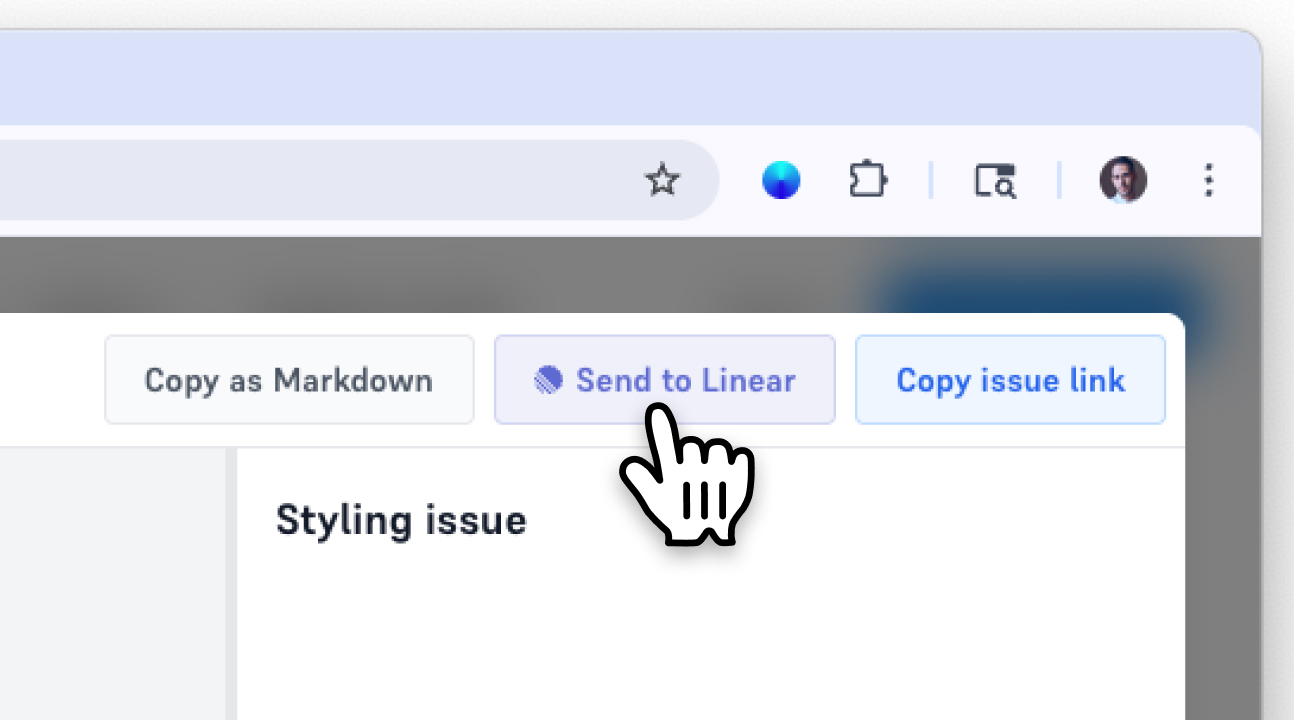
Push to Linear, copy as Markdown, or share a link—engineers know exactly what to do.
How it works arrow

WHY TEAMS LOVE DESIGNQA

Loved by fast-moving teams

Dog on computer
Save Hours. No more clunky screenshots or endless Slack threads.
Butterfly illustration
Crystal Clear Bugs. Every bug includes device details & side-by-side Figma comparisons.
Floral illustration
Ship Beautiful UI. Keep your design vision alive pixel-perfect from Figma to production.

KEY FEATURES

Everything you need to fix design bugs

Linear Integration. - Push issues directly to Linear.
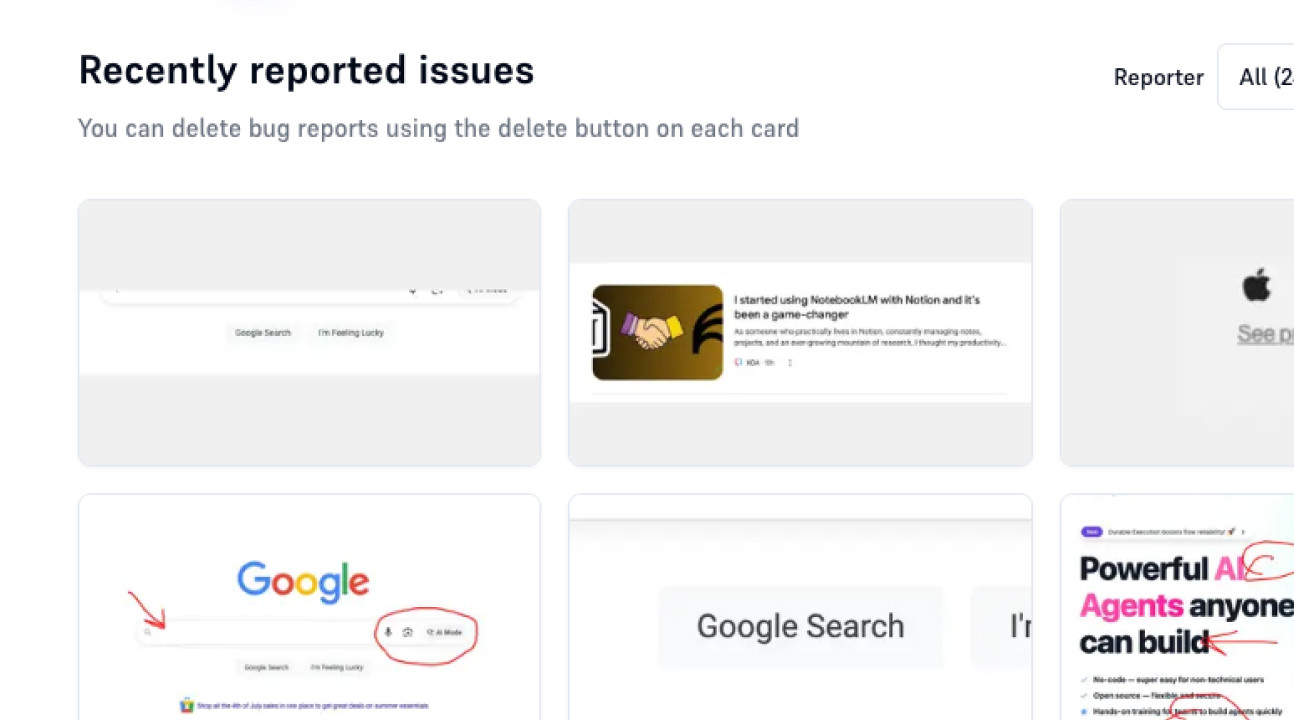
Team Collaboration. - See all issues reported by your team right on the page.
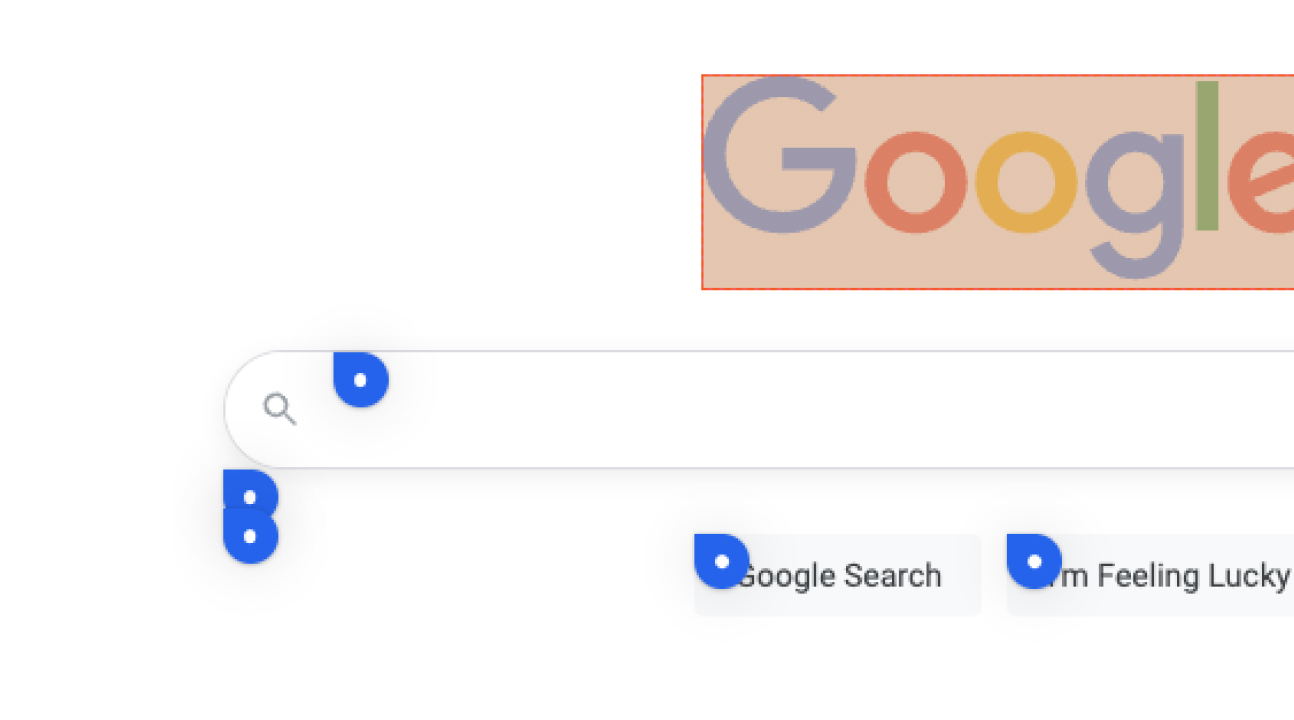
Contextual Bug Reports. - See pins for each reported issue right on the page.
1 of 9 features

WHO IT'S FOR

DesignQA is made for

Product Designers who want pixel-perfect builds
Product Designer
Product Managers who want fewer back-and-forth loops
Product Manager
Front-End Engineers who hate vague bugs
Front-End Engineer
Agencies & startups that ship fast
Agency team

FAQs